To update the Flash camera you will connect it to the Smasher to provide power and internet.
1. Connect the white power cable to the Smasher.
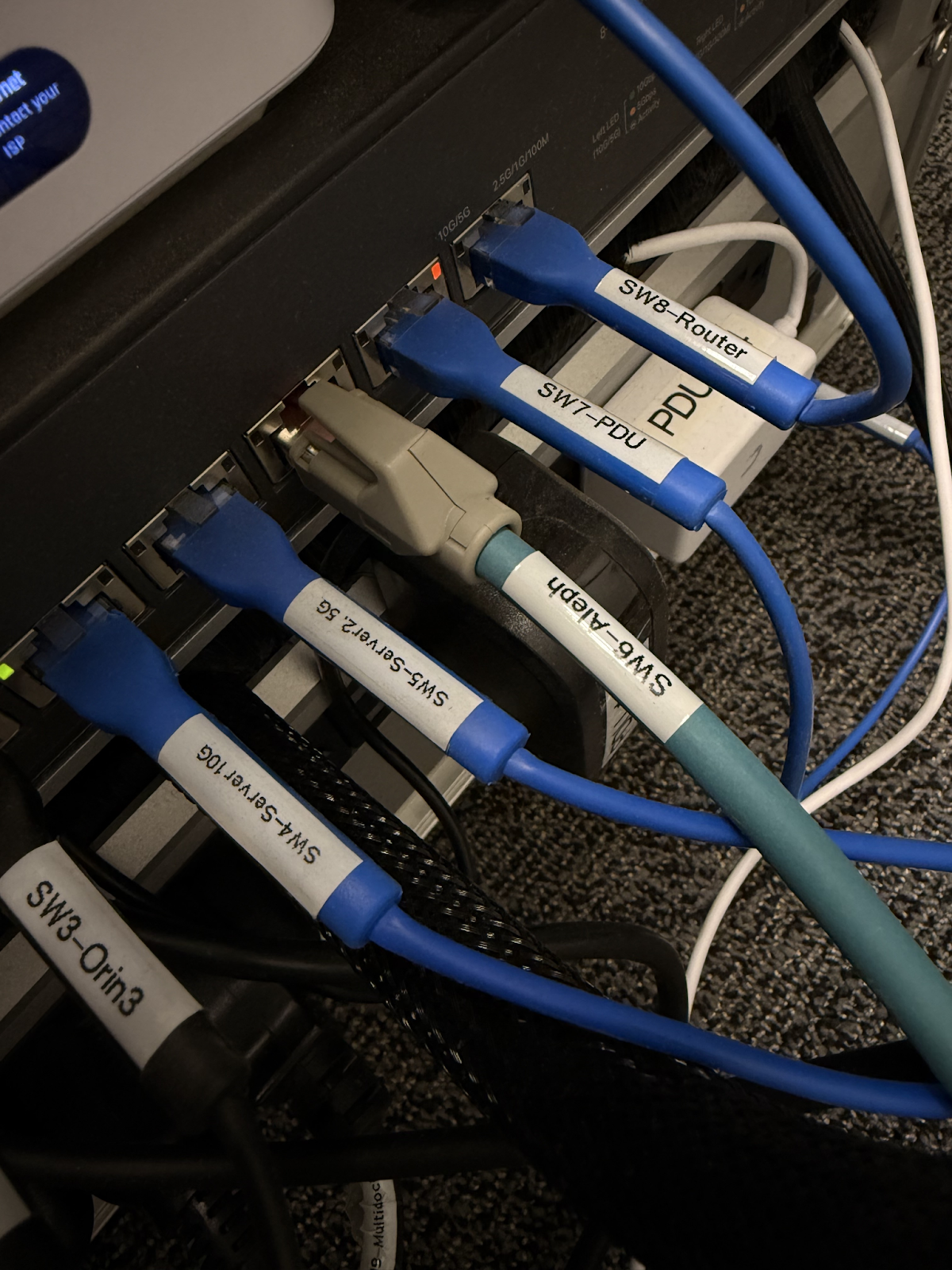
2. Connect the blue ethernet cable to the Smasher.
*Note that any available ethernet port on the Smasher switch should work.
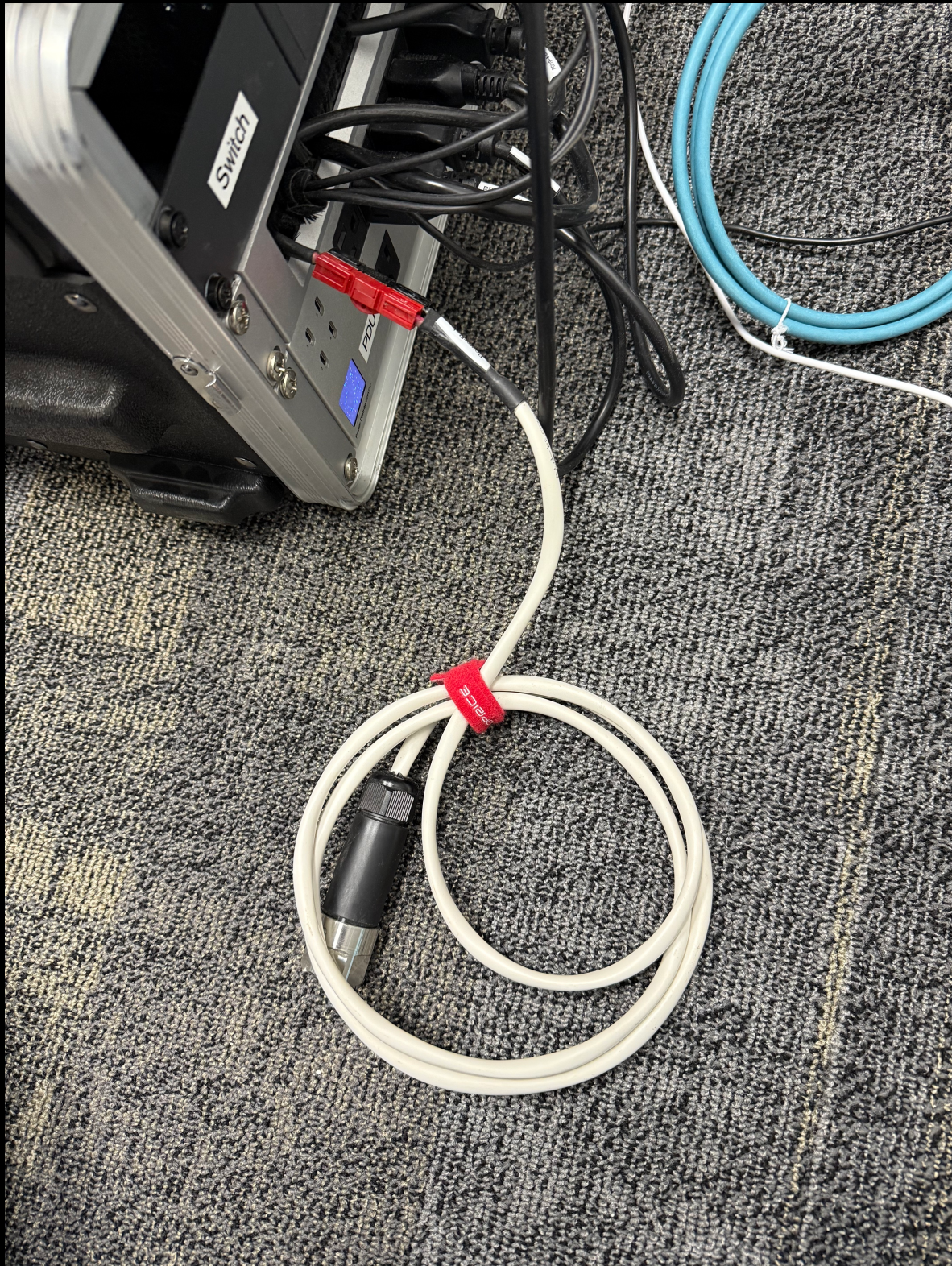
3. Connect both power cable and ethernet cable to the Flash camera (removing any dust covers if necessary).
4. Once power is connected, the camera LEDs should Flash twice. An internet connection can be verified by looking for a green light next to the ethernet cable on the Smasher.
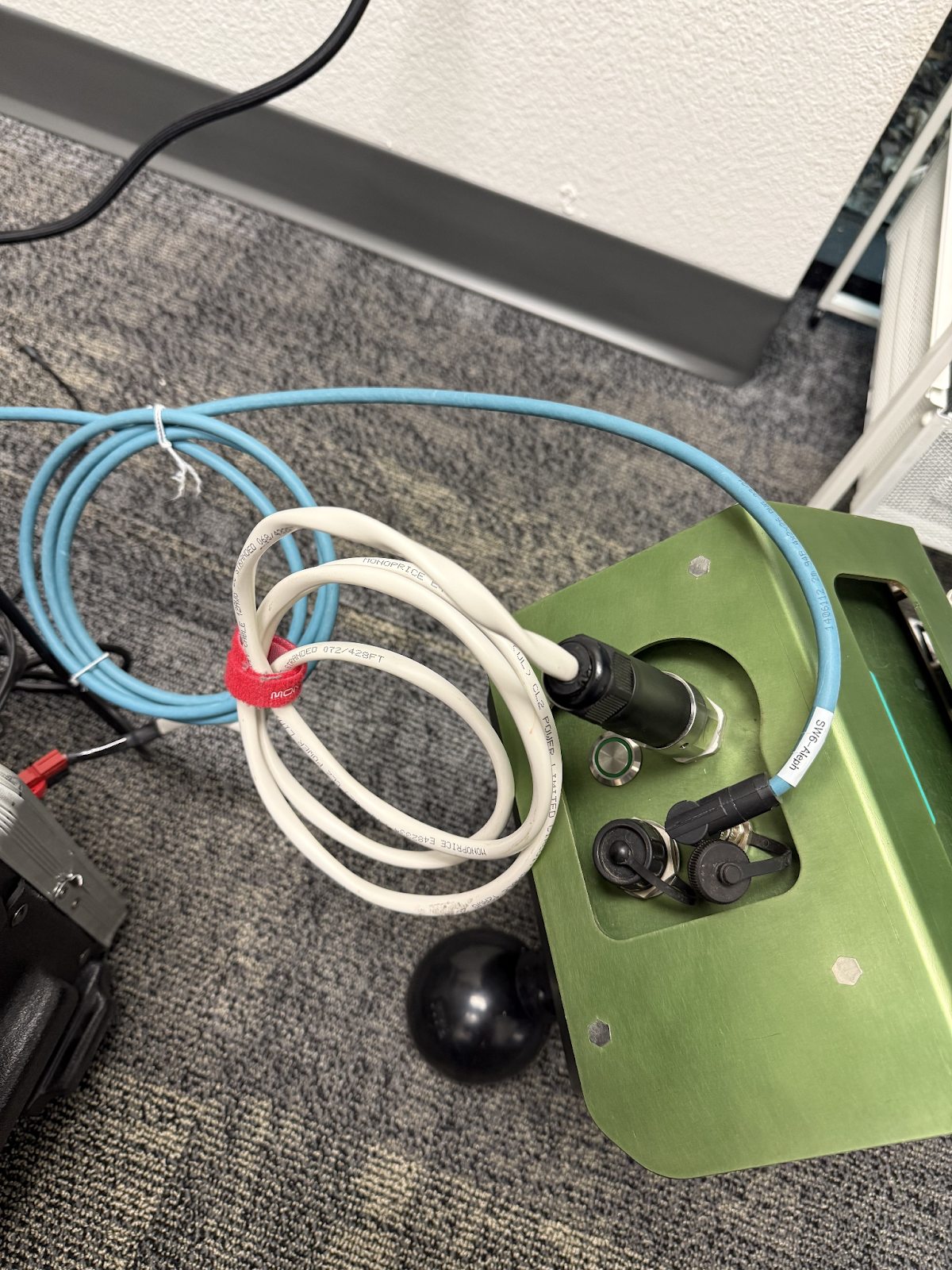
5. If there is an update available, it will automatically begin. Please reach out to the Bloomfield team to check completion.
Was this article helpful?
That’s Great!
Thank you for your feedback
Sorry! We couldn't be helpful
Thank you for your feedback
Feedback sent
We appreciate your effort and will try to fix the article