Introduction: Diaspora Uploading and Internet Speeds
The Diaspora is a dedicated unit provided for the fast upload of large scan files. This document details how to test your internet upload speed (and consider your Bloomfield use case) to determine if a Diaspora is suitable in your work location.
Locating the Diaspora
The main function of the Diaspora is to upload the contents of the SSD drives to the internet prior to processing. In addition to electrical power it is critical to install the Diaspora in a location with an Ethernet connection with sufficient upload speed. A slow upload speed can result in significant delays prior to data processing, prolonging the wait time for results.
To determine if a location will have sufficient upload speed for your data delivery requirements, first run a speed test on a device connected to the network. For most realistic results, use a computer that is connected to the network via Ethernet cable, as this is the type of connection used by the Diaspora. Some test options are below:
Speedtest by Ookla - The Global Broadband Speed Test
Internet Speed Test | Check Broadband Speed | Google Fiber
A typical result is shown below:
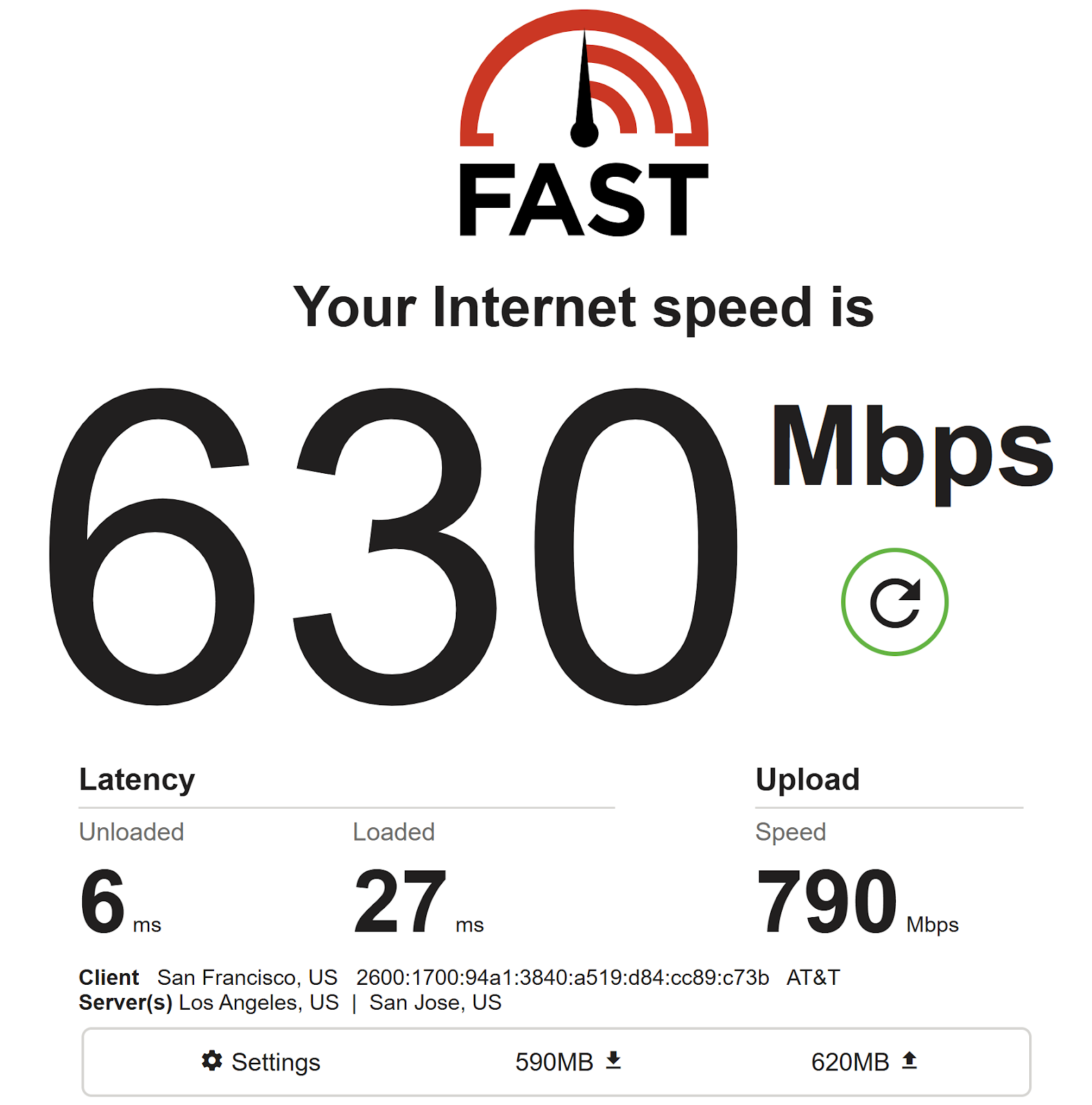
Note the “Upload Speed” (790 Mbps in the example) which is the crucial metric.
The Bloomfield camera records at around 500 Mbps, so if the upload speed is 500 Mbps, it will take 1 hour to upload 1 hour of recorded data. If the upload speed is 100 Mbps, it will take ~5 hours to upload 1 hour of data.
The following table can be used to estimate upload time based on duration of data recorded and the network upload speed:
A 50-100 Mbps upload speed may be sufficient for data collections less than a few hours, but is likely too slow for larger scans, multiple camera deployments, or urgent data delivery.
Remember that the Diaspora is only uploading data, and that additional processing time is required after the upload completes. In cases where no sufficient upload speed is available for the customer, Bloomfield may deploy a Smasher processing server.
Was this article helpful?
That’s Great!
Thank you for your feedback
Sorry! We couldn't be helpful
Thank you for your feedback
Feedback sent
We appreciate your effort and will try to fix the article